

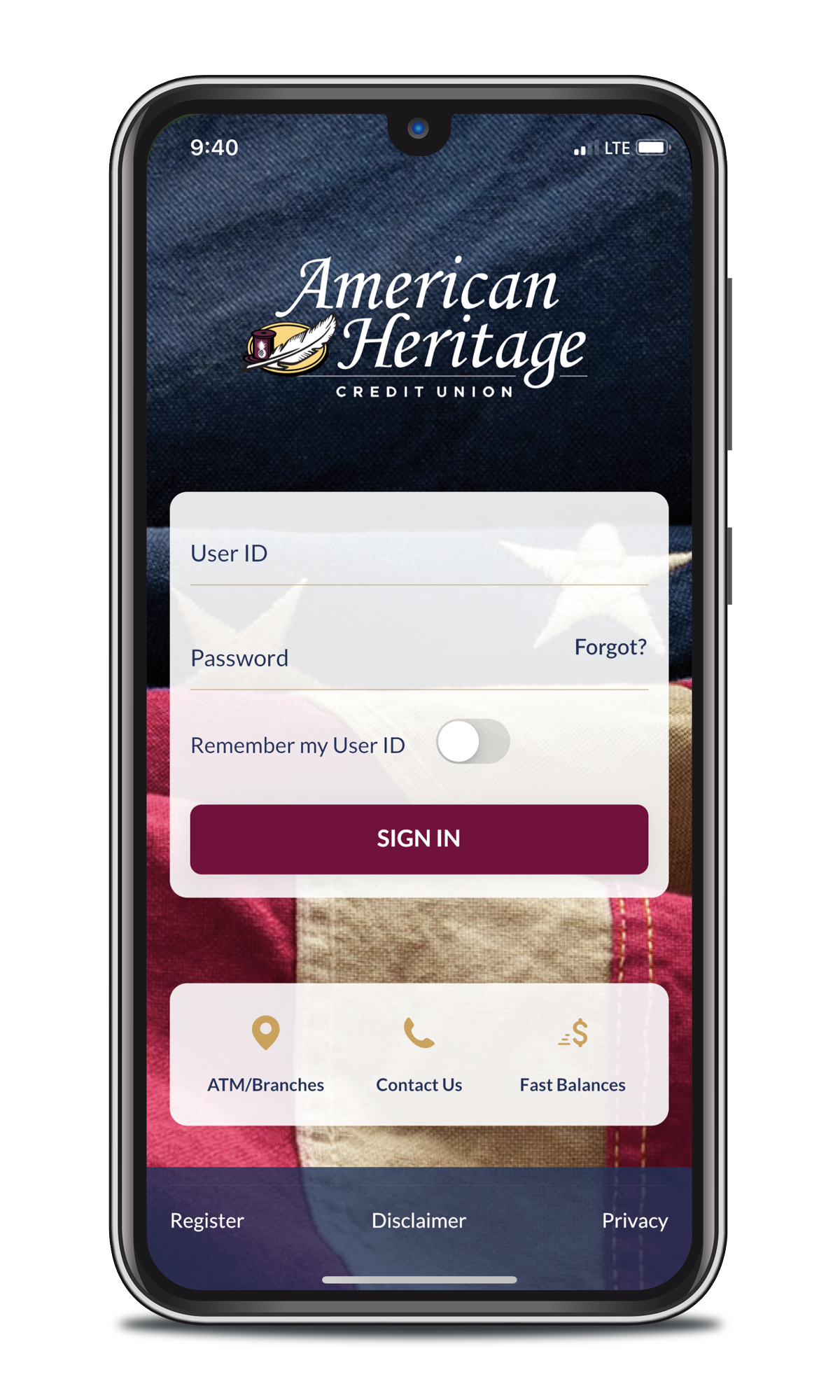
American Heritage Mobile Teller
Enjoy 24/7 account access to all the features of our Online Teller through our free¹, easy-to-use app. Chat with a VANA representative, see your balances at a glance, and manage your cards all from your smartphone!


Mobile Teller Features
Mobile Deposit2
With mobile deposit, you can deposit checks from anywhere. Using your phone's camera you can take a photo of the front and back of a signed check, and it will be deposited automatically. The funds will then be available in the account in the next 1 to 2 business days.
Money Movement
Within the mobile teller app, you can not only transfer funds between your accounts, but you can also easily transfer funds into your American Heritage account with a checking account or debit card from another financial institution with QuickPay, for free.
You can also set up loan payments, both one-time and recuring, and external bill payments right in the app.
Card Controls
This safety feature allows you to freeze your credit and debit cards, activate a card, submit a travel notification, add your card to your mobile wallet, manage overdraft3 privilege, deactivate a lost or stolen card, change authorization limits and more. Log into your Mobile Teller account to use this feature!

eAlerts
eAlerts are notifications sent to your mobile teller app that inform you of certain account transactions. Messages include direct deposit received, low balance in your account, when checks clear and much more!
To sign up for eAlerts in Mobile Teller, log into your mobile app and click More > eAlerts.

Video Advisor
Meet VANA (Video Advisor Network Associates), our Video Advisor service that provides members with a virtual face-to-face experience right in your Mobile Teller app to connect you with one of American Heritage’s VANA representatives. The service allows members to manage their finances wherever they are, at their convenience, all while staying safe. Click here to learn more about Video Advisor.
Loan & Share Applications
Members can apply for loans, such as auto loans, mortgages, HELOCs, and personal loans directly within the mobile app.
To open an account, or apply for a loan, log into your Mobile Teller App and click More > Open a new Share or Apply for Loan.
Digital Issuance Now Offered!
We’re proud to now offer our members access to Digital Issuance services. Convenient and efficient, Digital Issuance allows you to place an order for a new debit or credit card in the event yours becomes lost or stolen, making it a perfect option when traveling or for urgent transactions.
You can request a new card, including an American Heritage Independence debit card, Cash Reward Mastercard®, and Platinum Preferred Mastercard® through Mobile Teller.
When requesting a new card through Digital Issuance, you have options, including the ability to have it added instantly to your smart phone or watch’s mobile wallet. A physical copy of the card can also be sent to the branch of your choice or directly to your home.

FAQ
Why can I not download the newest version of the app?
Due to a required security update, a small number of older mobile devices are no longer able to use the new version of the apps. Android users need to have Android 11 operating system or newer. Apple users need to have iOS 15 or newer. You can check your operating system in the Settings app on your device.
Members on these operating systems are encouraged to update their devices to a supported version, or use Online Teller to access their accounts, via a web browser.
Why is my login information not saved in my app?
Does the Mobile Teller app allow Touch ID or Face ID to login?
On the login screen, tap the Touch or Face ID icon to the right of the “Sign In” button to use these forms of authentication.
How do I check my FICO Credit Score?
How can I reset my password in Online or Mobile Teller?
Once this information has been entered successfully, you will need to perform a multifactor authentication (MFA) verification. This code is delivered to you either through a text message or a phone call.
Once the MFA code has been entered successfully, you will be able to create a new password.
You can also call or chat with Gigi, our virtual associate, to reset your password! Simply call 215.969.0777 or visit here to chat online.
How can I issue myself a new card in Mobile Teller through Digital Issuance?
Follow these steps to issue yourself a new card in Mobile Teller through Digital Issuance:
- Log into Mobile Teller on your smart phone or device.
- Click into your Checking Shares block or the loan blocks for your Cash Reward Mastercard® or Platinum Preferred Mastercard®. Digital issuance does not relate to savings accounts.
- Click ‘Manage Cards’ on the left-hand side of the screen.
- Proceed through the following screens to order a new card – verify that a new card can be ordered for any joint owners in your account.
- Follow the prompts to add the card to your device’s digital wallet immediately. If you’d like, you can also choose to have the physical card sent to your home or delivered to the branch of your choice.
Becoming a Member is Simple
Internet service provider fees and 3rd party fees for message and data plans may apply.
The eDeposit application is available to qualified members only.
Fees for overdrawing your account may be imposed on each check, draft, item, ATM transaction and one-time debit card transaction (if member has consented to overdraft protection plan for ATM and one-time debit card transactions), preauthorized automatic debit, telephone initiated withdrawal or any other electronic withdrawal or transfer transaction that is drawn on an insufficient available account balance. The entire balance in your account may not be available for withdrawal, transfer, or paying a check, draft, or item. You may consult the Funds Availability Policy Disclosure for information regarding the availability of funds in your account. Fees for overdrawing your account may be imposed for each overdraft, regardless of whether we pay or return the draft, item, or transaction. If we have approved an overdraft protection limit for your account, such fees may reduce your approved limit. Please refer to the Fee Schedule for current fee information. For ATM and one-time debit card transactions, you must consent to the Credit Unions overdraft protection plan in order for the transaction amount to be covered under the plan. Without your consent, the Credit Union may not authorize and pay an overdraft resulting from these types of transactions. Services and fees for overdrafts are shown in the document the credit union uses to capture the member's opt-in choice for overdraft protection and the Schedule of Fees and Charges.
Your displayed VantageScore credit score is provided for educational use and may vary when your score is based on data from a different consumer reporting agency or calculated at a different time. Your lender may use a different scoring model or version of the VantageScore credit score model. VantageScore is a registered trademark of VantageScore Solutions, LLC, an independently managed joint venture owned by the three major credit reporting agencies: Equifax, Experian, and TransUnion. For more information click here.